

Has this ever happened to you? You're standing in line at a concert entrance, it's cold, everyone around you is pulling out their phones. So are you — because your ticket is somewhere in your emails. A PDF from the ticketing platform.
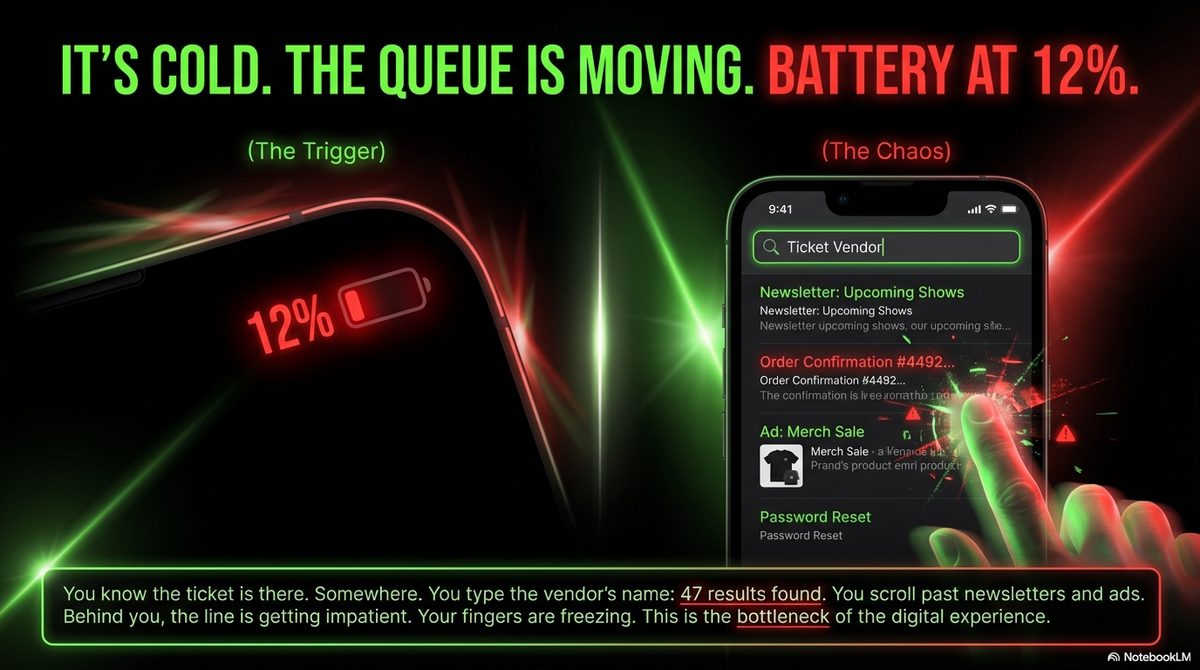
You open the mail app, type the provider's name into search. 47 results. Order confirmations, newsletters, promotions. The actual ticket? Buried somewhere in between. You scroll, open the wrong email, go back, scroll some more. Behind you, the line is getting longer.
Then you glance at your battery: 12 percent.
A friend told me exactly this story — after seeing his favorite band at a big arena. He got in, but it was close. And it was unnecessarily stressful.
The Moment Everything Goes Wrong
Anyone who's ever stood at a venue entrance with a half-dead phone knows this feeling. You know the ticket is there — somewhere. But your brain switches to panic mode. You tap faster, your fingers are cold, and the PDF takes what feels like forever to load.
It's a common experience. According to a study by LG Electronics, 90 percent of smartphone users feel panic when their battery drops below 20 percent. On average, the anxiety kicks in at 38 percent. "Low Battery Anxiety" — there's actually a name for it.
And that's exactly when you need your ticket.
Why PDF Tickets Are on the Way Out
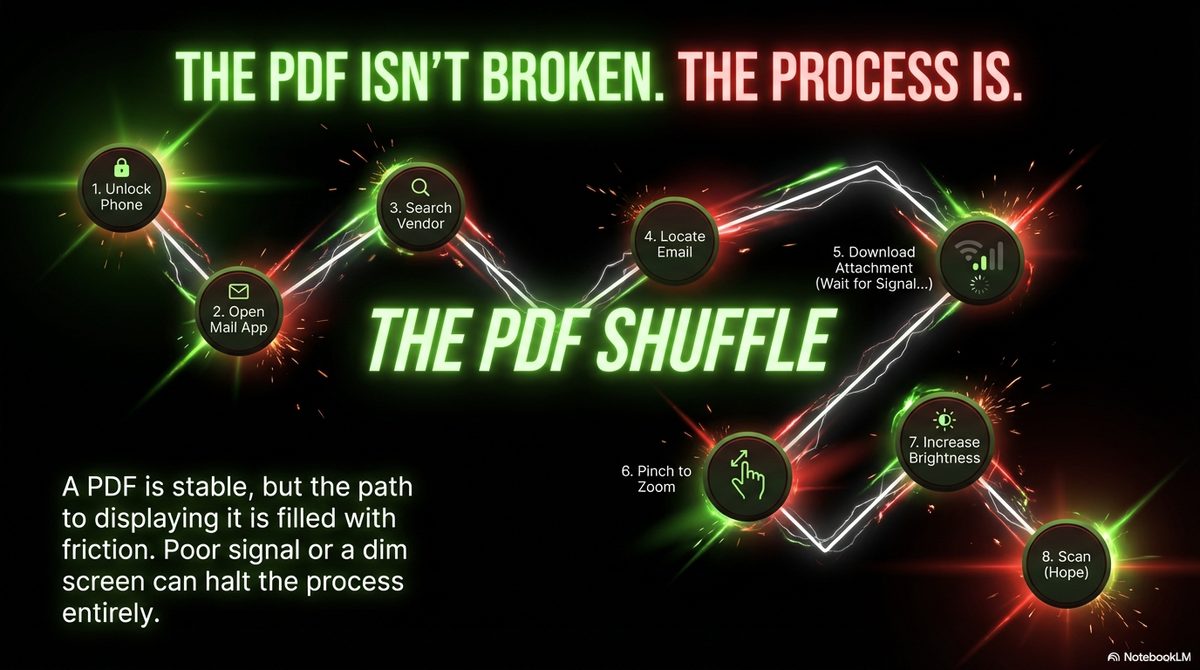
The problem with PDF tickets isn't that they're technically bad. A PDF is a stable format, the barcode works. The problem is getting there: open the email, find the attachment, load the PDF, zoom in, crank up screen brightness — and then hope the scanner reads the barcode on the first try.
Ticketmaster seems to have figured this out. At the 2024 US Open, 61 percent of all tickets were scanned directly from mobile wallets — not from an app, not from an email, but from Apple or Google Wallet. At Southeastern Conference venues, the rate was even higher at 75 percent.
The trend is global: nearly 60 percent of all online ticket transactions in 2024 were on mobile devices. The question is no longer whether tickets will go digital, but how fast the rest catches up.
What a Wallet Pass Does Better
A ticket in your wallet works differently than a PDF. It doesn't sit in an email you have to search for. It sits right next to your bank card — on iPhone, reachable with a double-click of the side button; on Android, through the lock screen.
The practical difference:
PDF ticket: Unlock phone → open mail app → search → open email → load PDF → zoom in → brightness up → get scanned.
Wallet pass: Double-click → show → done.
Sounds like a small thing. But when you're standing in the cold with 12 percent battery and 200 people behind you, it's the difference between stress and no stress.
There's another benefit: Apple Wallet automatically maxes out screen brightness when you open a pass. That alone saves a lot of grief on dark concert evenings — barcode scanners need contrast, and a display at 30 percent brightness often won't register.
Tickets and Fraud — An Underestimated Problem
Something you don't immediately think about as a concertgoer: fake tickets. In the UK, over 10,000 ticket fraud complaints were filed in 2024 — with total losses exceeding 10 million pounds. Nearly half of the scams originated on social media. Average loss per victim: around 770 pounds.
PDF tickets are particularly vulnerable because they're trivially copyable. A screenshot is all it takes. Digital wallet passes are at least harder to forge — the barcode is tied to the device, not to a file.
But Why Don't Venues Just Offer This?
Good question. Some do — large operators like Ticketmaster and the NFL have their own wallet integrations. But most smaller venues, theaters, clubs, and festival organizers use ticketing systems that email PDFs. Because it's simple. Because it works. Because it's how it's always been done.
The problem: the convenience ends at the buyer. You get an email, and from there you're on your own.
That's exactly why we built OtterWallet. You open the site, upload your PDF or scan the barcode with your camera, and get a ready-made wallet pass. No subscription, no app, no registration. The barcode is reproduced 1:1 — same format, same content.
What You Can Do Differently
Since hearing this story, I load every ticket into my wallet right after buying it. It takes two minutes and saves the stress at the entrance.
The workflow:
- Ticket email arrives
- Open PDF, scan barcode with OtterWallet
- Create wallet pass and add to phone
- On the day: double-click, show, walk in
Don't delete the original ticket — it stays in your email as backup. But since switching, I haven't needed it once.
Bottom Line
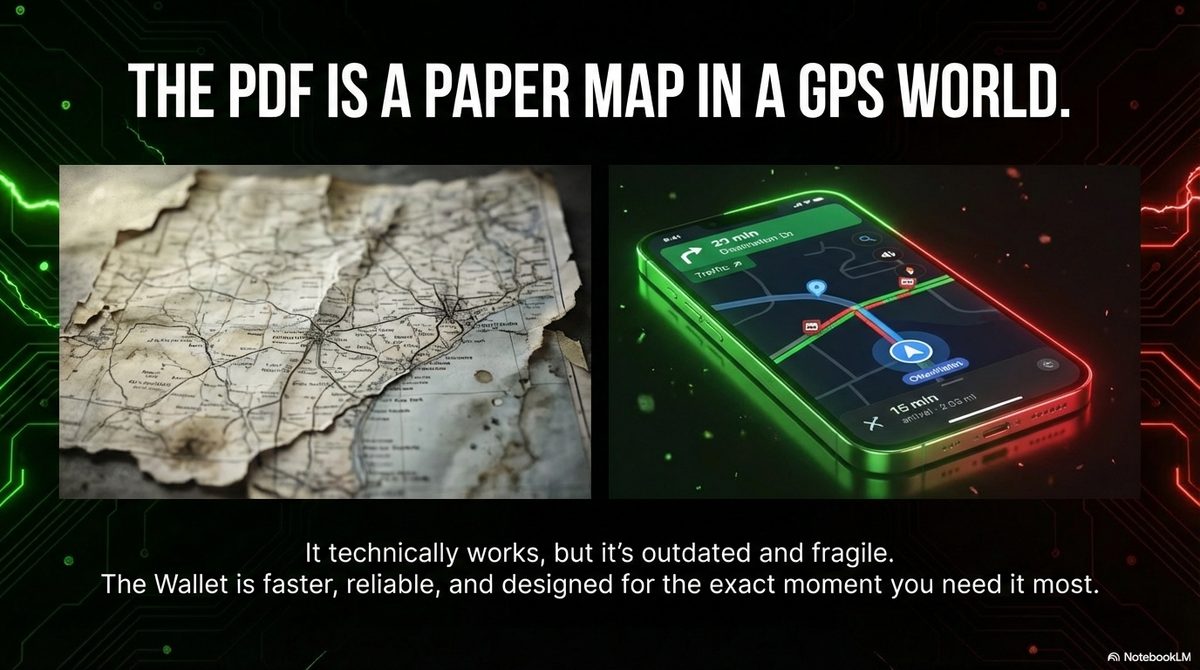
A concert ticket as a PDF is like a paper map: it works, but there are better solutions now. The smartphone wallet is faster, more reliable, and less stressful — especially in the moments when you need it most.
The numbers speak for themselves: at stadiums and arenas that have already adopted mobile wallet tickets, acceptance rates are above 60 percent. The rest will follow. Until then, you can help yourself — two minutes of preparation for a stress-free entrance.
Got a concert coming up? The ticket belongs in your wallet — not buried in your email search.