
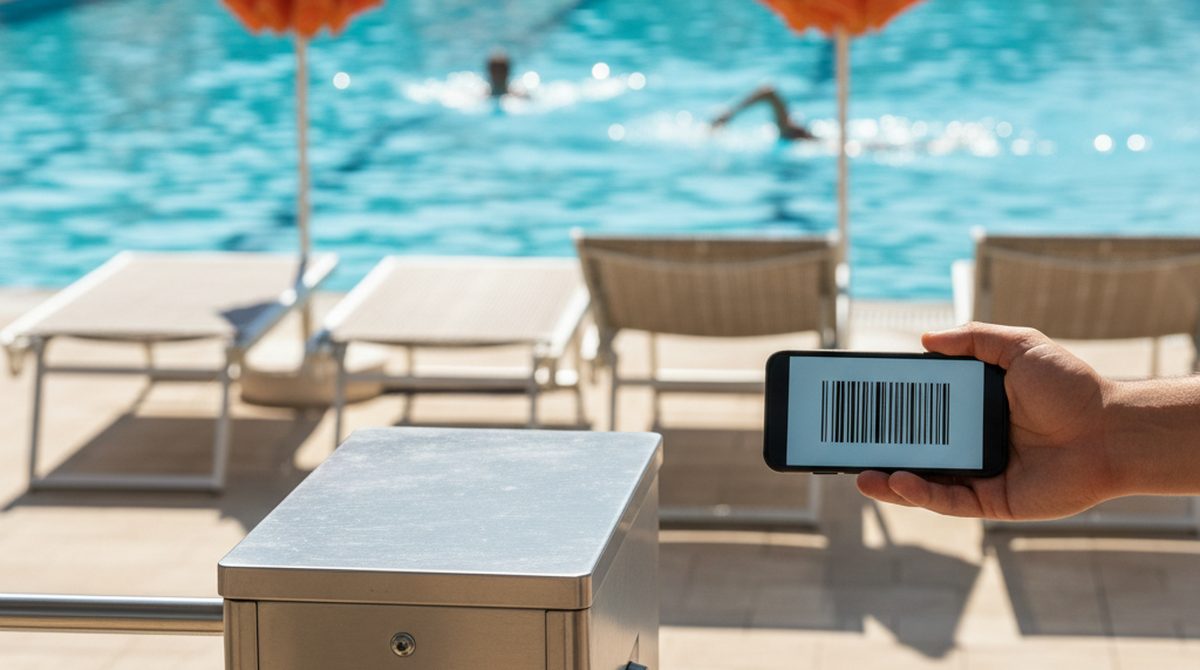
Summer, 88 degrees, line at the turnstile of the public pool. In front of me, a family with three kids, swim wings, a lunch box, and an unsorted pile of season passes. Behind me, a woman who's already sighing because she knows what's coming. I dig through my bag. Wallet, phone, sunscreen, keys — the card isn't where it should be. Wedged under the beach towel. Sticky from the popsicle from last week.
In summer I swim three times a week. That means: three times searching for the card. Three times the card buried somewhere between candy wrappers and a frisbee. Three times the same little drama before the turnstile.
The Pool Pass Is the Most Unfortunate Card You Own
Other cards have it easier. The debit card lives in your wallet and only comes out when needed. The grocery loyalty card stays at home or in your phone. But the pool pass has to come along — and the pool is the most hostile environment a plastic card has ever visited:
- Water. Cards usually survive it, but the printed layer peels off after three summers.
- Sunscreen. The most stubborn substance on earth lands on every square millimeter that was in the sun.
- Heat. Over 130°F (55°C) inside a car parked in direct sun for hours is realistic — plastic warps, magnetic stripes get weird.
- Sand. Anyone who's had to scrape a card out of sand never quite gets all of it off.
- Loss. The card is small. It disappears in a beach towel. It falls out of a locker. It stays behind in a wrong pocket.
What Happens When the Card Is Gone
At my pool: bureaucracy. You go to the front desk, say "lost my card," and a process starts. Show your ID. Confirm the photo on file. Pay a replacement fee, often 5 to 10 dollars. Sometimes: come back, because the new card only prints the next day.
At some pools it's worse: the whole intake again. New photo, new application, waiting time. Lose the card at the start of the season and it's annoying. Lose it in August and it's actually frustrating.
What a Wallet Pass Changes
A pass on your phone lives differently from a plastic card. The phone is always with you. It's not in the sun, because it's in a locker or with someone who's not going in the water. It doesn't get lost in a beach towel because nobody wraps a phone in a towel.
Three concrete advantages:
1. No more searching at the turnstile. Phone out, pass open, screen showing, done. Apple Wallet can surface the pass on the lock screen automatically when you arrive at the pool — provided the pass has the location data and Location Services are on.
2. Loss is dramatically less likely. People do lose phones — but statistically much less often than cards. And anyone who loses their phone has bigger problems than the season pass.
3. Backup is built in. Apple Wallet preserves passes in the iCloud backup, Google Wallet syncs through your Google account. The pass usually shows up automatically on a new device — no reapplying when the phone dies.
But: Not Every Pool Plays Along
Before you toss the plastic: reality check. Not every public pool accepts digital season passes. Three obstacles I've personally hit:
Turnstile only with a physical reader. Some facilities are 20 years old and don't have a display-scanner setup — just plain magnetic stripe slots. No wallet pass works there. Some modern turnstiles support NFC — but that's the exception, not the rule.
Photo check at the entrance. Some pools verify card against face, especially during peak season. If the photo is on the plastic pass and not in the wallet pass, expect questions.
The pool's own app. Some pools have their own apps that generate a QR. Most accept those in your wallet — but not every proprietary app exports cleanly. Ask first.
The pragmatic path: call ahead, ask "do you accept wallet passes?" If yes: bring the plastic as a backup until it's worked smoothly for a few weeks.
How to Get the Pass Into Your Wallet
Three paths:
- Plastic card with a barcode. Photograph the code, upload it to OtterWallet, choose pass type "season pass" or "event ticket," pick the matching format. Done.
- Card with just a customer number. Type the number, choose a format that matches the pool's system (often Code 128).
- Pool's own app with a QR. Export the QR from the app to your wallet — some apps have an "Add to Apple Wallet" button.
Bottom Line
The pool pass is the card that suffers most — water, heat, sun, sand, drawer chaos. That's exactly what makes it the strongest candidate for moving into your wallet. A card you use three times a week in summer shouldn't live in a wet beach bag.
And if your pool isn't digital yet: just ask. Mine introduced it after enough regulars asked.