
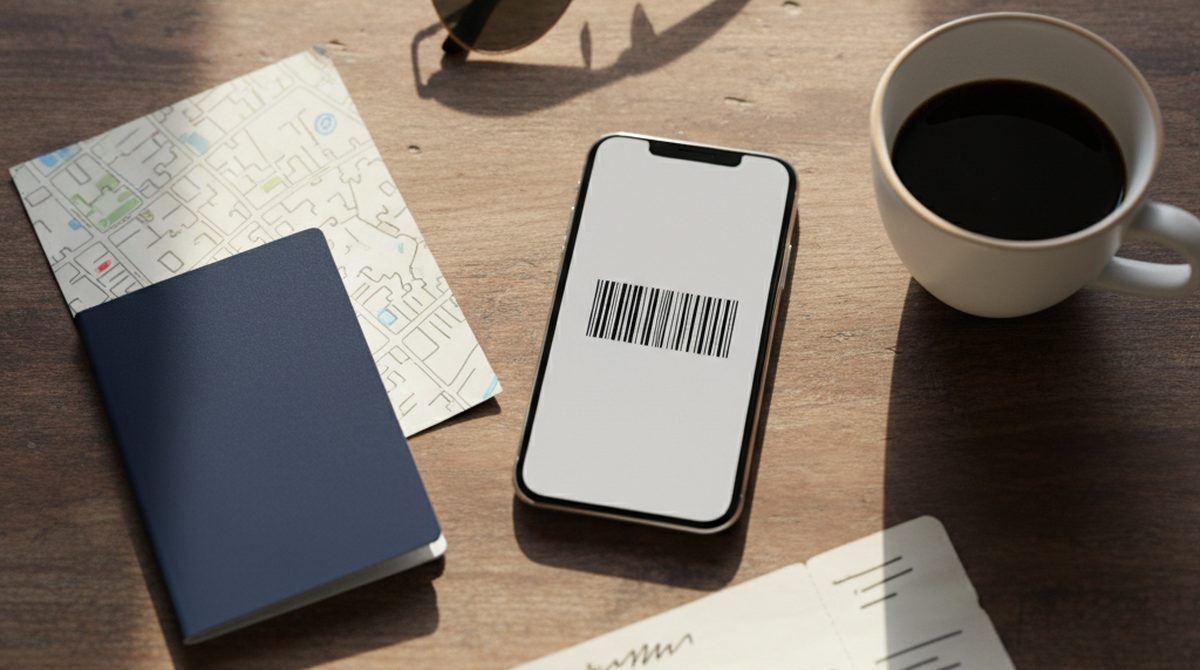
Last summer, rental car counter in Italy. In front of me, a couple with a stuffed travel folder. They flip through it: boarding pass from two days ago, hotel confirmation, rental car voucher — where was that one? They start spreading everything across the counter. The line behind them grows. The agent waits politely but visibly tired. After three minutes they find the right sheet. It's creased, because it sat in a backpack between sunscreen and a water bottle.
I played that game myself for years. A stack of printouts before every trip. A travel folder, neatly labeled. The folder got damp, got lost, or got left at home. At some point I started moving as much as I could into my phone wallet. Not everything works — but a surprising amount does.
What Actually Goes in Your Wallet
The list is longer than most people think:
Boarding pass. Most major airlines offer a wallet export — from US carriers like Delta and United to European ones like Lufthansa or Ryanair. For smaller airlines: drop the PDF from the confirmation email into OtterWallet, the barcode gets extracted, and you have a clean wallet pass. Works for the vast majority of boarding passes worldwide.
Hotel booking. Some chains and booking platforms hand out wallet passes directly. For most other bookings: take the confirmation code from the email, build a QR-code pass yourself. That's enough for most check-ins.
European train ticket. Deutsche Bahn does this exemplarily — the Aztec code on the online ticket is wallet-ready. Other European rail operators are catching up. Instead of a PDF on your phone: a wallet pass that surfaces on travel day at the right time.
Rental car voucher. Mixed bag here. Some rental companies offer wallet export directly. Otherwise: take the booking number and confirmation QR and build the wallet pass yourself.
Tickets on-site. Concerts, museums, theme parks, ski passes — almost every modern ticketing platform delivers wallet passes. For local events without a wallet integration: turn the PDF or QR into a pass yourself.
Season passes and multi-day admission. Ski pass, theme-park day pass, pool admission — all wallet-friendly, as long as the on-site hardware plays along.
What Doesn't Quite Fit (Yet)
Some documents still need to be physical. As of 2026:
Passport and ID card. There are early pilots for digital IDs — Apple Wallet ID is live in 13 US states plus Puerto Rico, with seven more announced. But: that only counts as a domestic ID at TSA checkpoints, not for law enforcement and not for international travel. Outside those states it doesn't help. Plastic stays mandatory.
Visas. Stamped into your passport or as ePass — no wallet format planned.
International Driver's Permit (IDP). Required for many rental cars outside your home country, always as a physical document.
EHIC / international health insurance. The European Health Insurance Card is still mostly plastic. A few countries (Netherlands, Ireland) test digital versions through their health apps, but in most countries you still get the physical card. Doctors abroad usually want to see it physically, not as a wallet pass.
Some event tickets. Smaller event organizers often only have plain PDF tickets without wallet integration. They go into your wallet as an image, sure — but at the door the staff often prefers the printed or emailed PDF.
The Pragmatic Mix
The two-tier strategy that's worked for me:
Tier 1 — In the wallet (primary). Boarding pass, hotel code, rental voucher, local tickets. Anything you scan as you walk through.
Tier 2 — PDF on the phone (backup). The same documents again as PDFs, in an offline-capable app (Files, Notes, whatever). For when the wallet acts up, the staff can't read your code, or an app glitches.
Tier 3 — On paper (emergency). A printout of the boarding pass and hotel confirmation. Rarely needed, but if your phone dies or the battery quits at the worst moment, this saves the day.
Tier 0 — Plastic. Passport, EHIC, driver's license, IDP — non-negotiable, always carry the originals.
That sounds like overkill. In practice it's two extra steps before the trip: PDFs into a cloud-synced notes app, a printout of the two most important docs. The wallet passes are then what works 95 percent of the time.
How to Get Things Into Your Wallet
Three paths, depending on the source:
Direct wallet button. Email or app has an "Add to Apple Wallet" button — one tap, done. Works for boarding passes, many hotel chains, all modern ticketing platforms.
PDF with a barcode. Drop the email PDF into OtterWallet, the barcode is detected automatically, the pass is generated. About a minute per document.
Just a booking number in plain text. Type it in, pick a format (often QR or Code 128), build the pass. Works for anything with a unique reference ID.
What If the Phone Is Gone?
The most common pushback: "What if your phone gets lost or breaks?" Three safeguards that together remove most of the risk:
- iCloud Backup (Apple) or Google account sync (Google Wallet) restore your wallet passes onto a new device automatically.
- Cloud PDF folder with all the important documents — works on any device, even on an internet café terminal.
- Paper backup of the two most important documents. Weighs nothing, costs nothing, saves the trip in the worst case.
Bottom Line
The wallet replaces the bulk of travel printouts today. Boarding pass, hotel, rental car, attraction tickets — all doable digitally, often with a single tap. What it doesn't replace: passport, visas, EHIC, IDP. Those stay plastic, no wallet changes that.
The pragmatic path isn't "everything digital" but "as much digital as makes sense, the rest in plastic and paper as backup." A leaner travel folder instead of a fat one — that's the realistic win.