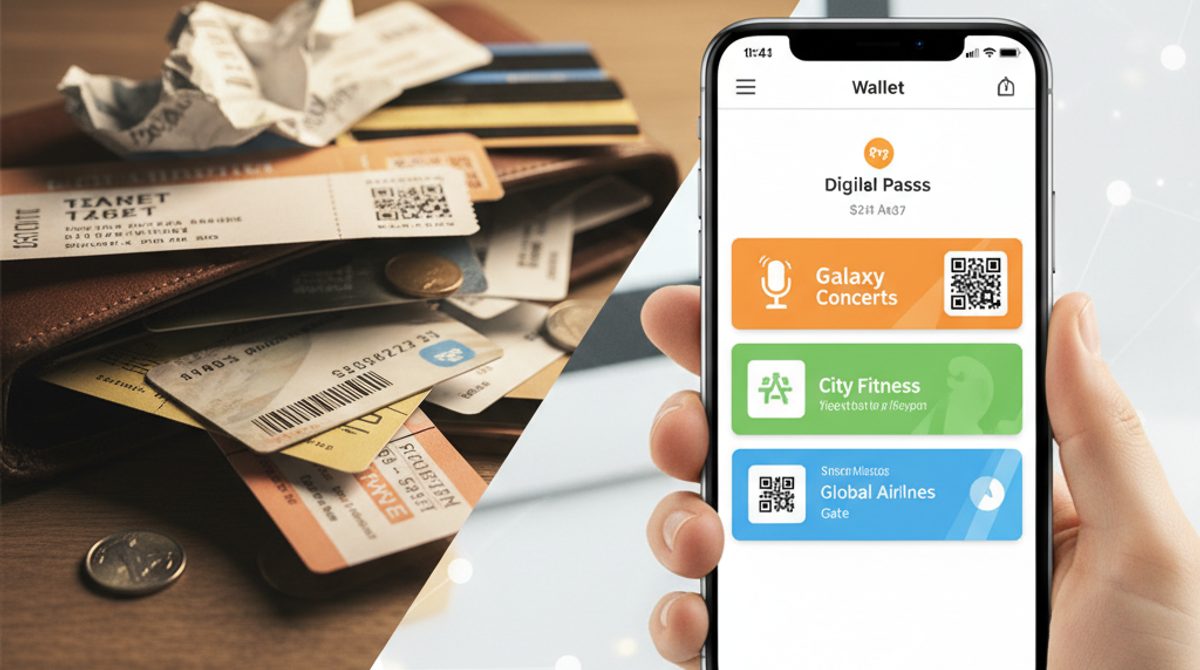
Picture this: you're at the checkout, ready to show your loyalty card — and it's sitting at home in your other wallet. Or you're at the airport, frantically searching your inbox for that boarding pass PDF. That's exactly what wallet passes are for.
In a nutshell: What is a wallet pass?
A wallet pass is basically a digital version of a card you'd normally carry around in plastic or paper form. Loyalty cards, entry tickets, boarding passes, vouchers, membership cards — all of these can be stored as a wallet pass on your smartphone.
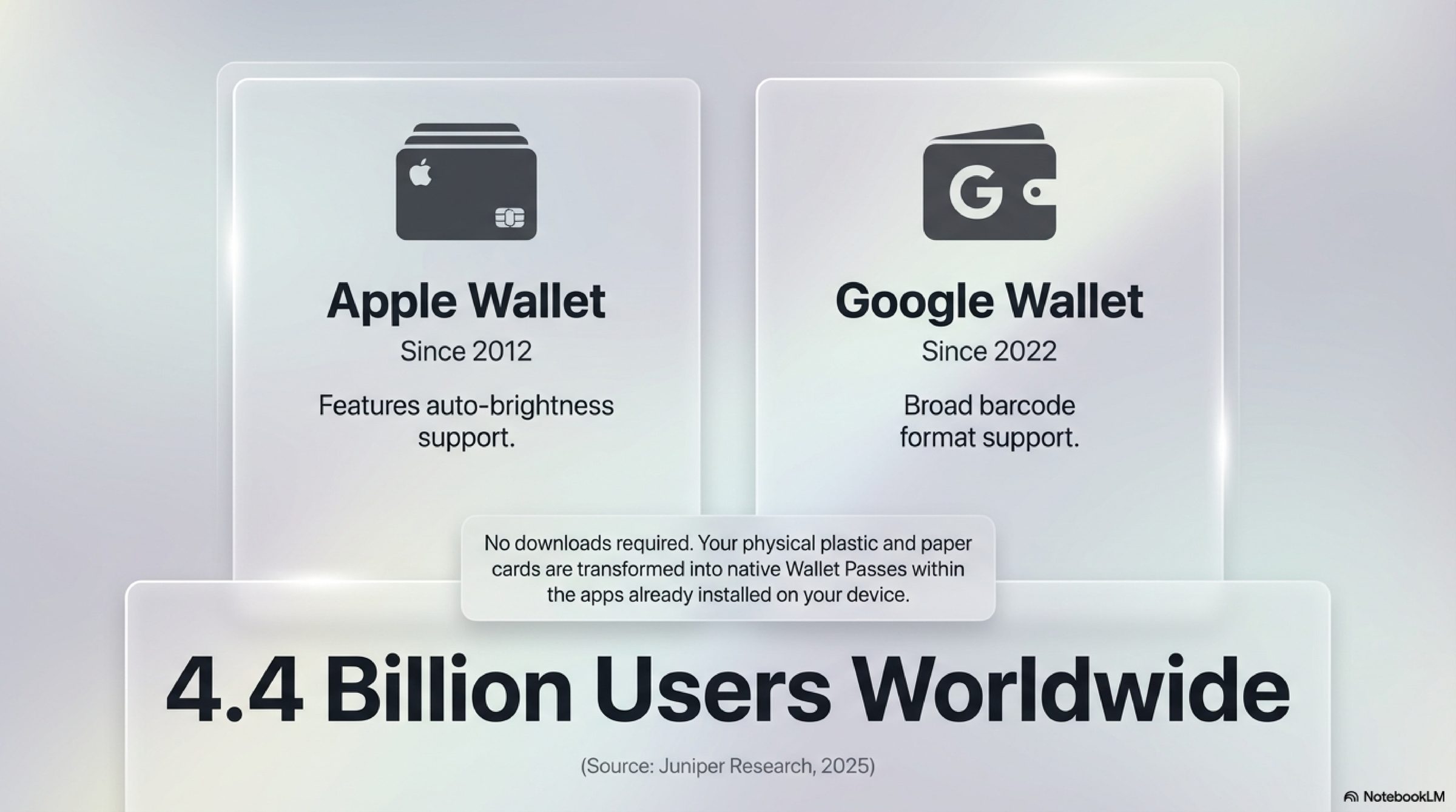
It works through an app that's already installed on your phone: Apple Wallet on iPhone and Google Wallet on Android. You don't need to download anything, install anything, or create an account. The app is already there.
How do I get a wallet pass?
That depends on what you need the pass for:
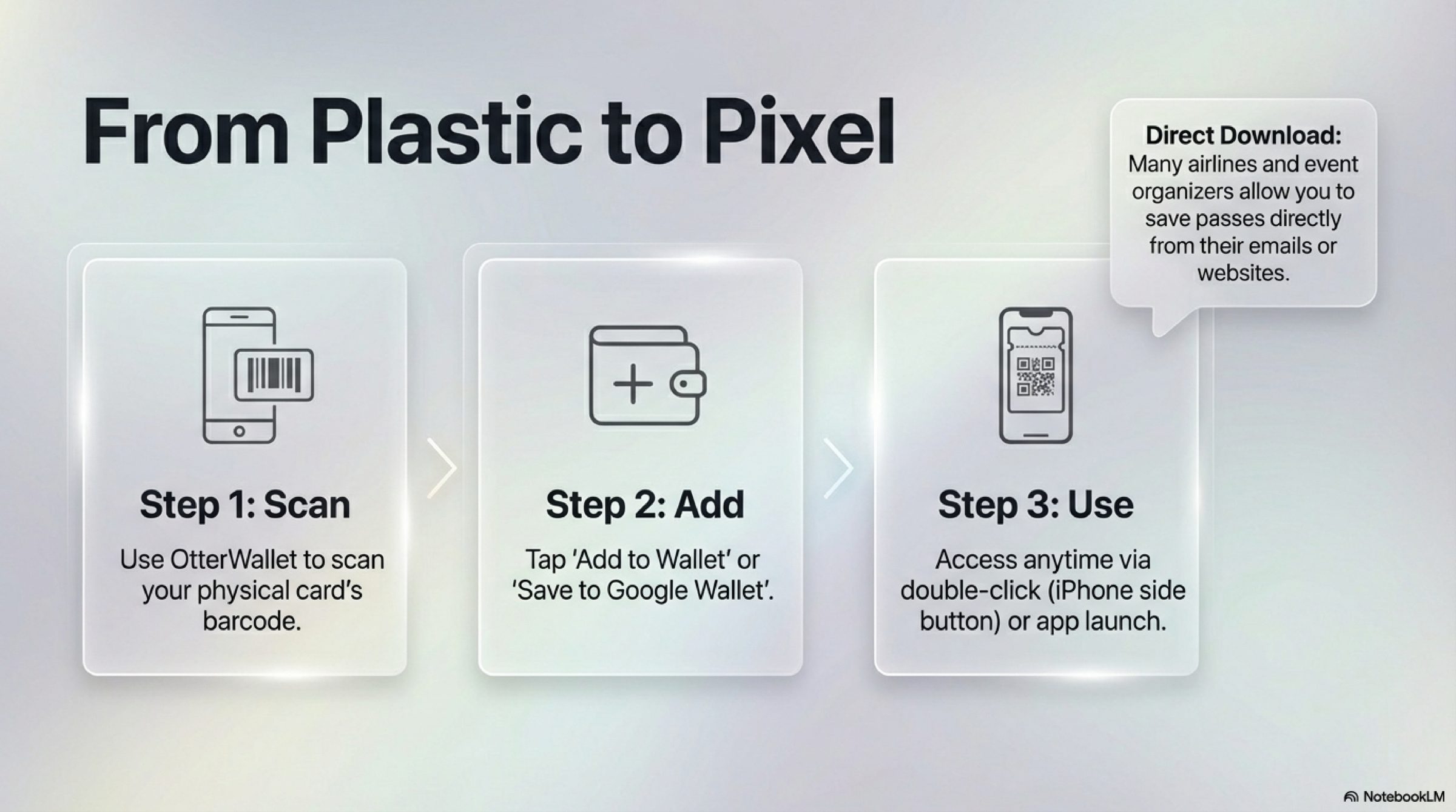
Some providers give you the pass directly. When you book a flight online, for example, many airlines offer to "add to Apple Wallet" or "save to Google Wallet." One tap — done. The same goes for some concert venues, rail companies, or cinema chains.
For cards you already own, there are wallet services. Got a plastic loyalty card from the supermarket or a membership card from your gym? Services like OtterWallet turn them into wallet passes. You simply scan the barcode on the card with your phone camera and get the pass on your phone. The card works at the checkout just like before — just digitally.
Some businesses have their own apps. Large retailers often have dedicated apps where your card is stored. The downside: a separate app with a separate login for every shop.
How do I use a wallet pass in everyday life?
Imagine you're at the supermarket checkout. Instead of rummaging through your wallet for the loyalty card, here's what you do:
- Unlock your phone and open the wallet app (or on iPhone: double-press the side button)
- Select the card — you'll see an overview of all your saved passes
- Hold up the screen — the scanner at the checkout reads the barcode straight from your display
That's it. The whole thing takes a few seconds. The barcode on your screen works exactly like the one on a plastic card — the checkout system simply reads the number.
Handy detail: Apple Wallet automatically cranks up the screen brightness when you open a pass, so the scanner can read the barcode better. With Google Wallet, you may need to turn up the brightness yourself.
What cards can I use as a wallet pass?
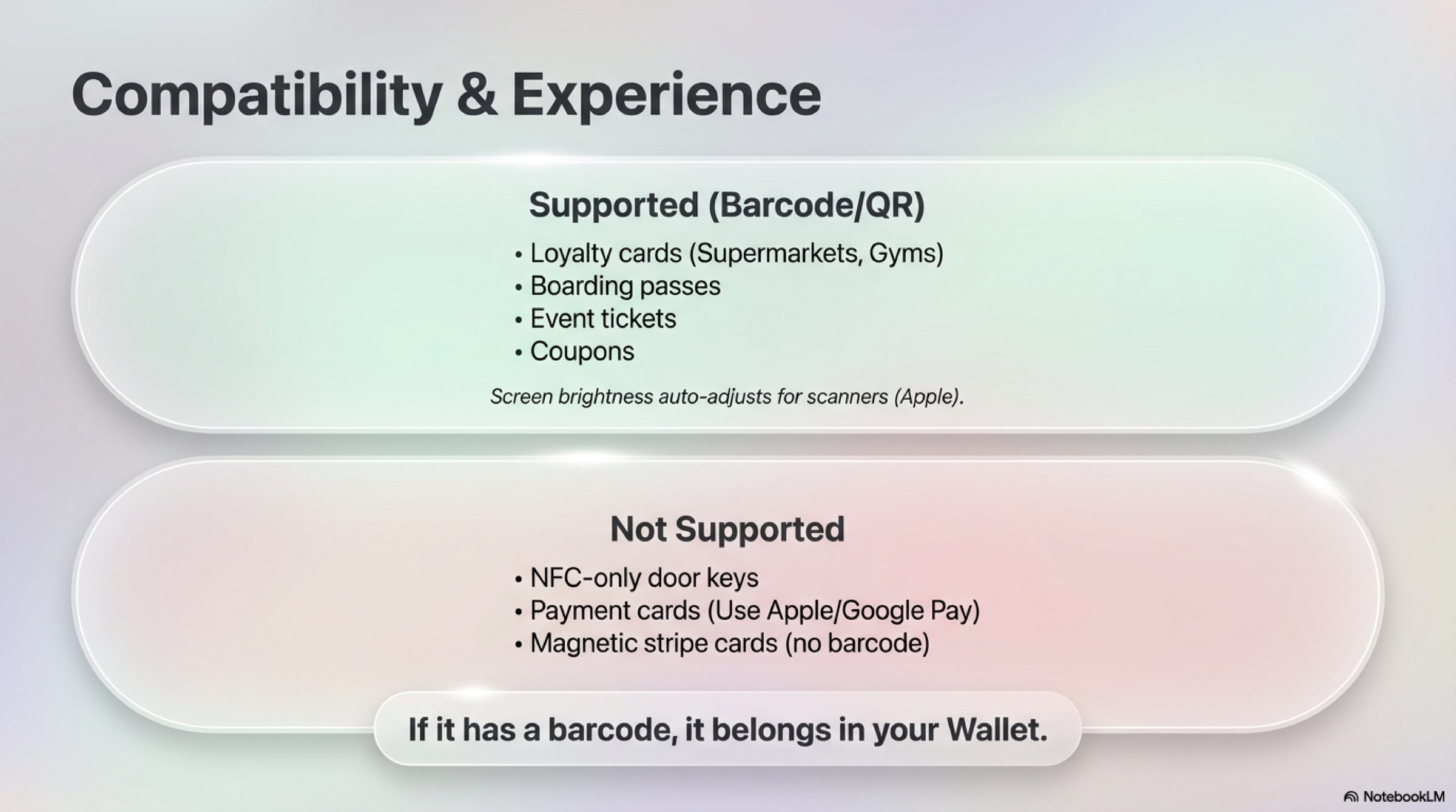
Basically anything that has a barcode or QR code:
Works reliably:
- Loyalty cards (supermarkets, pharmacies, hardware stores)
- Membership cards (gym, clubs, library)
- Entry tickets and event passes
- Flight and train tickets
- Gift cards and vouchers
- Coupons and promotional offers
Doesn't work:
- Cards that only use a chip (e.g., some NFC-only access cards)
- Cards without a barcode (magnetic stripe only)
- Bank cards and credit cards (those use Apple Pay / Google Pay — a different system)
iPhone or Android — is there a difference?
Both work equally well in daily use. A few details differ though:
Apple Wallet (iPhone):
- Pre-installed on every iPhone
- Passes automatically appear on your Apple Watch too
- Quick access by double-pressing the side button — you don't even need to find the app
- Brightness turns up automatically
Google Wallet (Android):
- Pre-installed on most Android phones
- Passes are linked to your Google account — when you switch phones, they're automatically there again
- Supports more barcode formats (relevant if your card uses a less common format)
Frequently asked questions
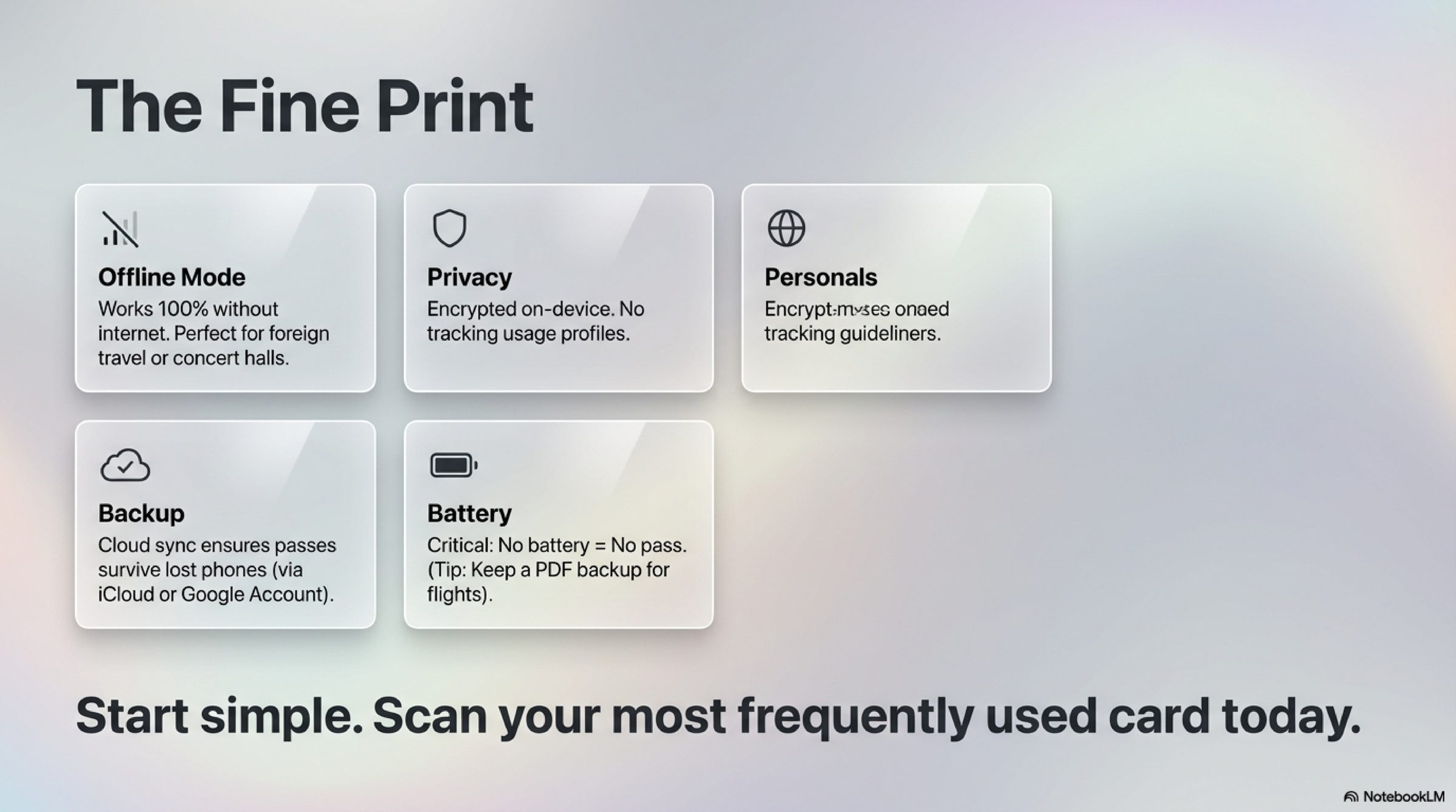
Do I need internet to show my pass? No. Wallet passes are stored on your device and work without an internet connection. Perfect for concerts in venues with no signal or airports abroad.
What happens if my battery dies? Then the wallet pass won't work either — just like any other phone feature. Tip: For truly important tickets (flights!), you can take a screenshot or keep the PDF as a backup.
Can others see my pass? No. Wallet passes are stored encrypted on your device. Nobody can access them remotely. And unlike many loyalty card apps, they don't send location data or usage profiles to third parties.
Do wallet passes expire? Only if an expiration date has been set. Then the pass gets greyed out. Without an expiration date, it stays valid for as long as you need it.
What if I lose my phone? No worries. With Apple, passes sync via iCloud — they'll automatically appear on your new iPhone. With Google, they're tied to your Google account and are restored as well.
Can the scanner really read a barcode from the screen? Yes. Checkout systems and entrance scanners can read barcodes from your phone display just as easily as from paper or plastic. Millions of people do this every day — for instance, every time someone shows a QR code boarding pass at the airport.
When is a wallet pass worth it — and when isn't it?
Definitely worth it:
- Cards you use regularly (loyalty cards, gym, library)
- Tickets you'd otherwise get as a PDF via email (concerts, trains, flights)
- Membership cards you constantly forget
- Vouchers that would otherwise disappear in a drawer
Probably not necessary:
- Cards you use maybe once a year
- Cards that are already in an app you're happy with
Rule of thumb: If you use a card more than once a month and it has a barcode, digitizing it is worth the effort.
Tips for getting started
- Start with one card. Pick the card you use most often and digitize that one first. You'll quickly see how the process works.
- Test it at the checkout. Create the pass and try it at the shop next time. In 95% of cases, it works straight away.
- Don't throw away the plastic card immediately. Keep it as a backup for a few weeks until you're confident.
- Organise your wallet. Both apps let you reorder passes. Move the most important cards to the top — you'll find them instantly.