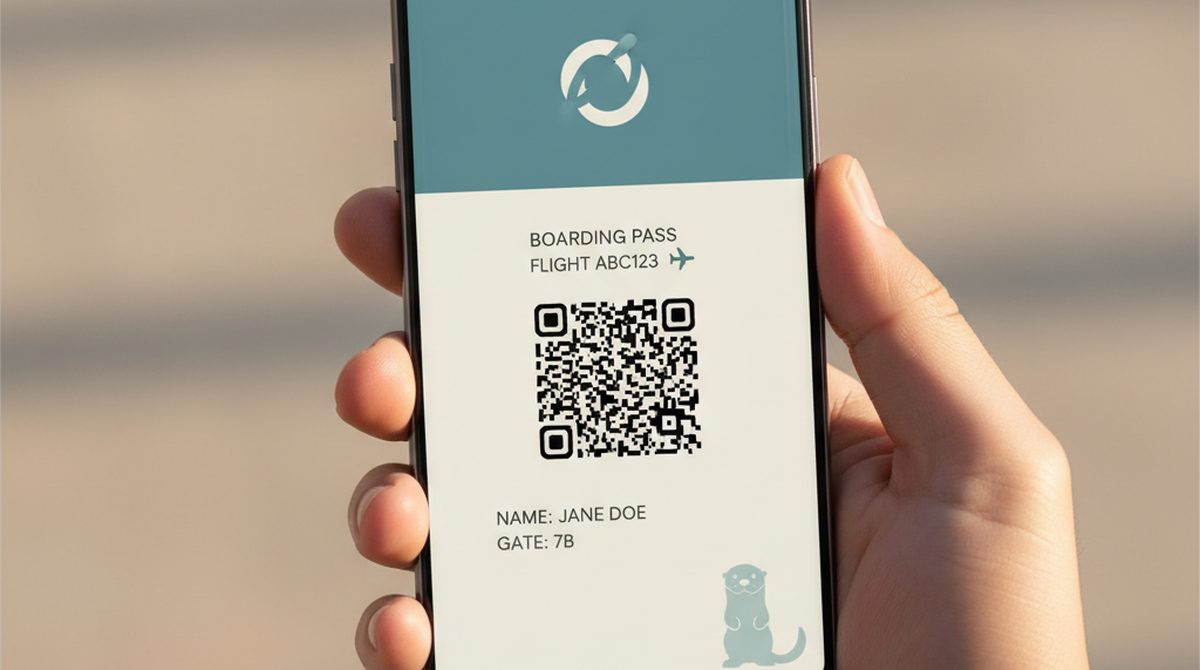
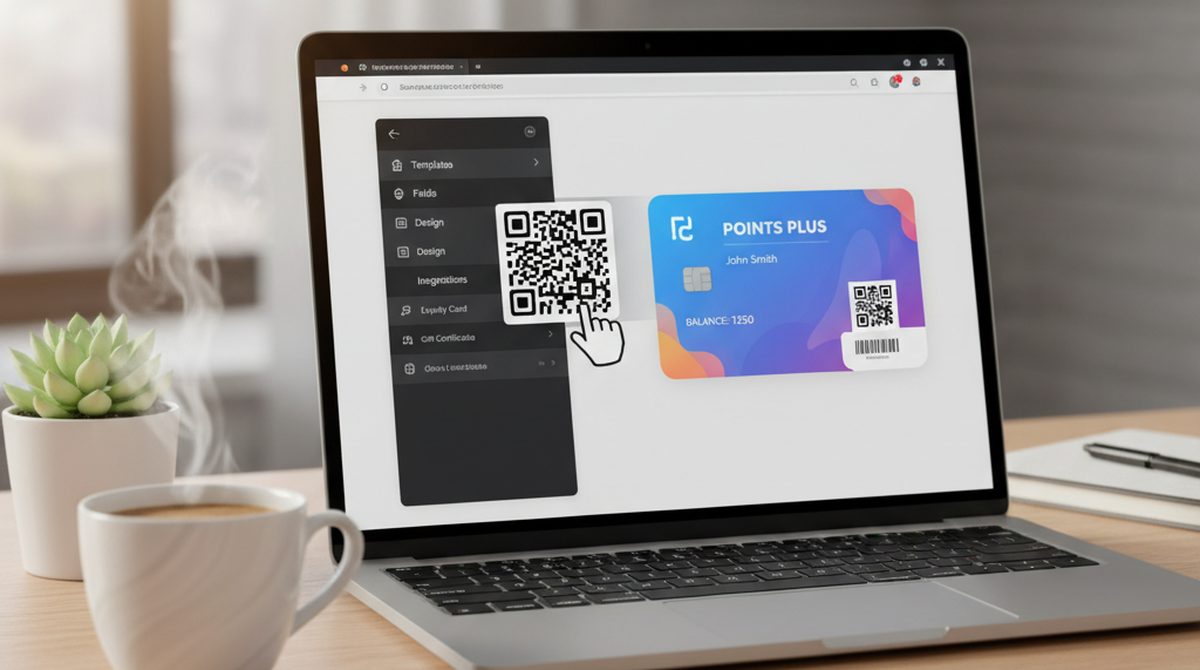
You searched "wallet creator." If you came looking for a way to mint a crypto wallet — wrong tab. We are talking about wallet passes: the digital cards your phone keeps in Apple Wallet or Google Wallet — boarding passes, gift cards, gym memberships, event tickets.
There are roughly five online wallet pass creators worth knowing about in 2026. Some are free with limits. Some are pay-per-pass. Some need a developer. Here is the honest comparison, plus a 60-second walkthrough of the simplest path.
Wallet Creator — the 30-second answer:
- What it is: an online tool that turns a QR code, barcode, PDF, or image into an Apple Wallet (
.pkpass) or Google Wallet pass file.- Best free option (with limits): built-in App Store apps like Wallet Creator on iOS — limited customization.
- Best pay-per-pass: OtterWallet — €0.99 (~$1.05) single, no account, browser-based.
- Best for businesses with volume: PassCreator, PassKit — subscription models with API access.
What is a Wallet Creator (and what it is not)
A wallet creator is a tool that generates a .pkpass file (the Apple Wallet format) or a Google Wallet pass object from your input — typically a barcode or QR code, plus a logo, color, and a few text fields. The result is a small file or link your user adds to their phone's wallet with one tap.
It is not a crypto wallet generator. It is not a fintech platform that processes payments. It is not a developer SDK. If you searched expecting one of those, you are in the wrong neighborhood — and you would not be the first. The "wallet" word does double duty in 2026.
If you want a deeper primer on the format, see our Wallet Pass Explained post. Here we focus on the creators — the tools that get a pass into your phone.
Who Uses Wallet Creators?
Three honest personas:
The frequent user. You have a wallet stuffed with paper loyalty cards from coffee shops, gyms, and that one bookstore that refuses to go digital. You want to replace them with passes you can keep on your phone. A single pass, one at a time, lifetime use.
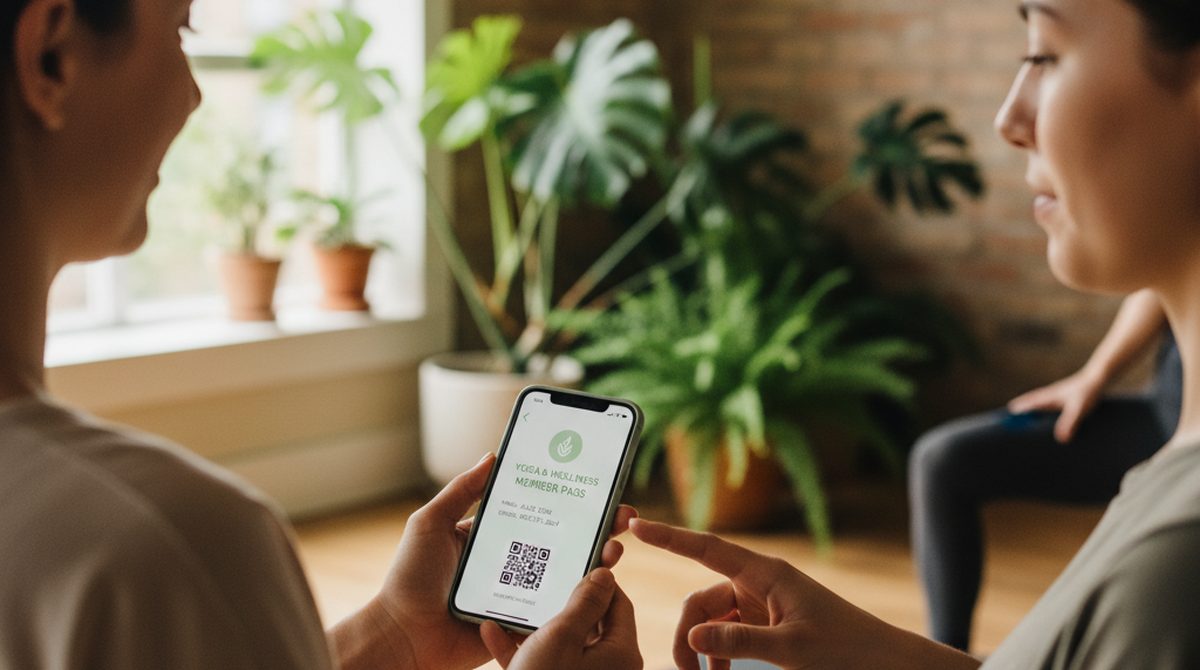
The small-business owner. You run a yoga studio, a café, a small event venue. You want to give your 50–500 customers a digital membership or punch card without paying for a full PassKit integration or hiring a developer for a week. Your volume is real but limited.
The event organizer. One-off batch — 50 passes for a workshop, 200 for a private event, 1,000 for a wedding. You need them done now, not in three months.
A wallet creator covers all three. The right one depends on your volume and budget.
The 5 Wallet Creators Worth Knowing in 2026
1. Apple's Wallet Creator app (iOS only)
A free iOS app that lets you make basic wallet passes from your phone. Good for one-off personal use — a single loyalty card or membership pass. Limited in customization (you choose from templates, not arbitrary designs) and obviously iOS-only. There is no Android equivalent from Apple.
Best for: quick personal passes if you already have an iPhone and do not need design flexibility.
2. OtterWallet (browser)
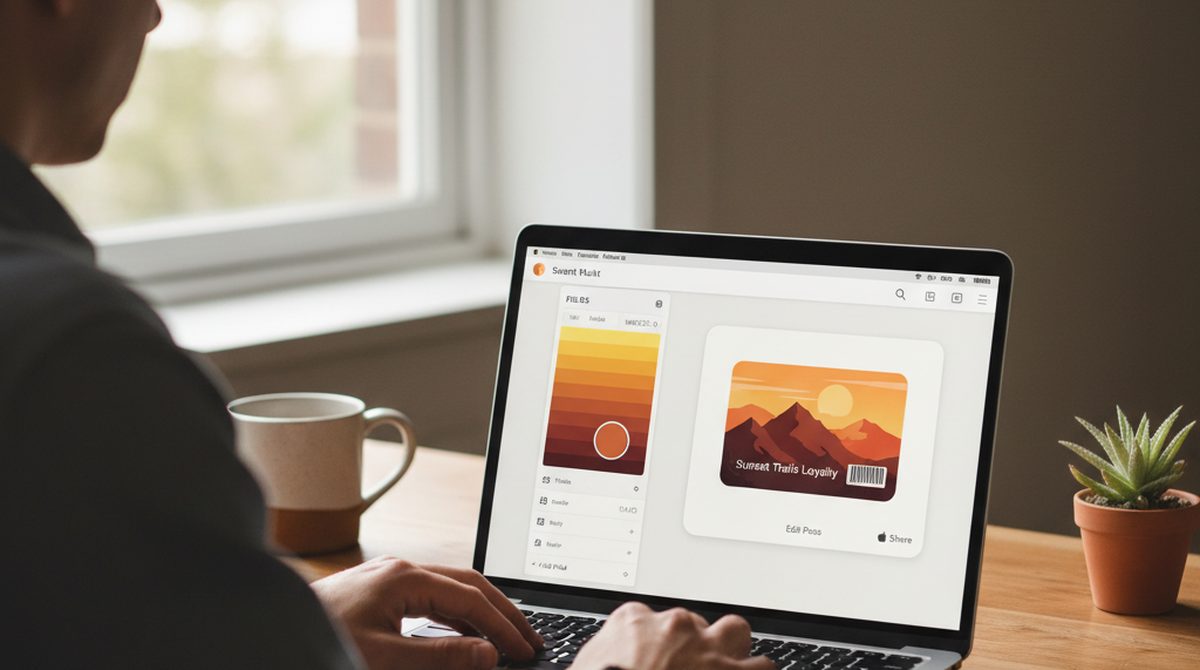
A pay-per-pass browser tool. Upload a QR code, barcode, PDF, or image. Pick Apple Wallet or Google Wallet format (or both from the same source). Customize colors, logo, title, fields. Download. The whole pipeline runs client-side in the browser — your data does not hit a server until checkout.
Pricing: €0.99 ($1.05) single, €1.99 ($2.10) ten-pack, no subscription, no account. Credits are valid forever.
Best for: individuals and small businesses up to a few hundred passes per quarter.
3. AddToWallet.co
A direct competitor with a free 7-day trial (watermark-free) and paid plans for ongoing use. Both Apple and Google Wallet formats. Account required. Volume-based pricing, custom-quoted on request.
Best for: users who want to try without commitment and are open to a paid plan if they stick around.
4. PassCreator
A subscription-based platform with stronger feature depth — analytics, dashboards, API access. Pricing tiers (as of April 2026): €16/month for up to 200 active passes, €70/month for up to 1,000, €300/month for up to 5,000, enterprise on request. A free test subscription with up to five active passes is available for evaluation.
Best for: small-to-mid businesses that issue passes on an ongoing basis and want analytics or a dashboard.
5. PassKit
Enterprise-grade. API-first, integrates into existing CRM and loyalty platforms, supports massive volume. The pricing matches: this is not a tool you adopt for a 50-pass batch.
Best for: companies with developer resources building a real wallet-pass program at scale.
Quick comparison
| Tool | Apple Wallet | Google Wallet | Account | Pricing | Best for |
|---|---|---|---|---|---|
| Apple's app | Yes | No | Apple ID | Free (iOS only) | One-off iPhone use |
| OtterWallet | Yes | Yes | None | €0.99/pass | Individuals + small businesses |
| AddToWallet.co | Yes | Yes | Yes | Freemium | Free-tier seekers |
| PassCreator | Yes | Yes | Yes | Subscription | Ongoing pass programs |
| PassKit | Yes | Yes | Yes | Enterprise | High-volume, dev-team integration |
How to Create Your First Wallet Pass in 60 Seconds
The path of least resistance, walked through end-to-end.
- Go to otterwallet.com on any device.
- Pick Apple Wallet or Google Wallet as your target format. (You can create both from the same source.)
- Upload your QR code, barcode, PDF, or image — the tool reads it automatically. Or paste the text/URL the code should encode.
- Customize: pass colors, your logo, the title and field labels (e.g., "Member name," "Expiry," "Studio").
- Download. Pay €0.99 at checkout. No account creation.
The whole flow takes under a minute once you know what you want. The first time, give yourself two — picking colors and writing field labels takes a few seconds longer than you would expect.
Try it yourself — make your first pass →
Common Questions
Is a wallet creator free?
Some are. Apple's iOS Wallet Creator app is free but limited. AddToWallet.co has a free tier. OtterWallet, PassCreator, and PassKit are paid — pay-per-pass for OtterWallet, subscription or enterprise for the others. The right one depends on volume and how much customization you need.
How does a wallet creator work?
You give it a barcode or QR code (uploaded image, PDF, or pasted text), pick a format (Apple, Google, or both), customize the look, and download a pass file. Your customer or recipient opens that file on their phone, and it lands in their wallet app.
How much does it cost to create a wallet pass?
For a single pass: roughly €0.99 (~$1.05) on OtterWallet. Free with limits on Apple's iOS app, free 7-day trial on AddToWallet.co. Subscription tools (PassCreator) start at €16/month for up to 200 active passes. Enterprise tools (PassKit) quote per-volume.
Note: PAA pulls in fintech-platform answers ("$300,000 to start a digital wallet") — those are about building a Venmo competitor, not a wallet pass tool. Different category entirely.
Can I create a wallet pass on Android?
Yes — most wallet creators run in the browser, so the device does not matter. You design the pass on your laptop, phone, or tablet, then download a .pkpass or Google Wallet pass file. Your end-user opens it on whatever phone they have. See our Android Wallet Pass guide for the recipient-side mechanics.
Is a wallet creator safe?
The browser-based ones (OtterWallet, AddToWallet) process barcode data client-side, so your scan never leaves your device until checkout. Enterprise tools store more on-server because they need analytics and pass updates. Pick based on how sensitive your barcode is — for a personal loyalty card, any tool is fine; for a customer-facing pass program with PII, read the privacy policy.
Do I need an account or developer skills?
Not for OtterWallet (no account). Yes for most others. Developer skills are not needed for any of these unless you go straight to PassKit's or Google's APIs.
Can I create both Apple and Google Wallet passes at once?
OtterWallet, AddToWallet, PassCreator, and PassKit support both formats from one source. Apple's iOS app does Apple only.
Wallet Creator vs Wallet App — common confusion
A wallet creator generates passes. A wallet app stores them. Apple Wallet and Google Wallet are wallet apps — they hold passes, payment cards, and IDs. OtterWallet and the others on this list are creators — they make new passes for those wallets.
If you searched "wallet creator" hoping to download a wallet app, what you actually want is Apple Wallet (pre-installed on iPhones) or Google Wallet (pre-installed on most Androids).
When NOT to Use a Wallet Creator
Be honest about scope. A wallet creator is the right tool when:
- You need 1–500 passes per cycle.
- You do not need real-time loyalty point tracking tied to a CRM.
- You do not have (and do not want) a developer maintaining a PassKit integration.
A wallet creator is not the right tool when:
- You need 5,000+ passes per cycle with full automation. Integrate PassKit or Google Wallet's API directly.
- You need real-time point updates, push notifications, multi-step pass updates synced with a CRM. Use a wallet platform with backend integration (PassKit, Open Loyalty).
- You need a fully custom, individually personalized pass for a 1M+ customer base. Enterprise stack territory.
For everyone else — most readers of this article — a creator is exactly the right size of tool.
The Future of Wallet Creators
Three things to watch.
First, format convergence. Apple's .pkpass and Google's JWT-based passes are slowly meeting in the middle in practice — more issuers ship both from one backend, more creators emit both with one click. By 2027 the format question may stop mattering for end users.
Second, client-side privacy. Browser-based creators that process barcode data without server upload are a real differentiator. Expect more tools to adopt the model.
Third, lower price floors. Pay-per-pass at sub-€1 makes single-pass use viable for individuals, not just businesses. The friction between "I want one pass" and "have one pass" keeps falling.
Your Wallet, Your Pass — Start Here
The wallet creator landscape in 2026:
- Apple's iOS app if you are an iPhone user and want quick + free.
- OtterWallet if you want pay-per-pass, no account, both formats, browser-based.
- AddToWallet, PassCreator, PassKit if you need subscription tiers, dashboards, or enterprise features.
Pick the size of tool that matches your volume — and skip the rest.