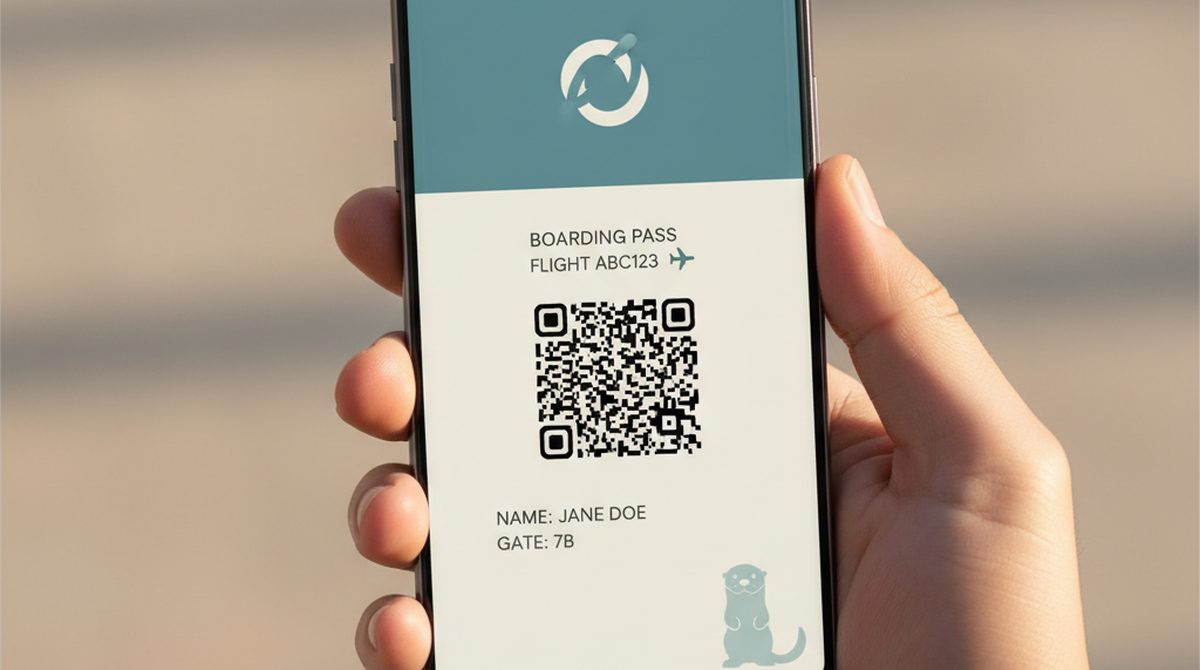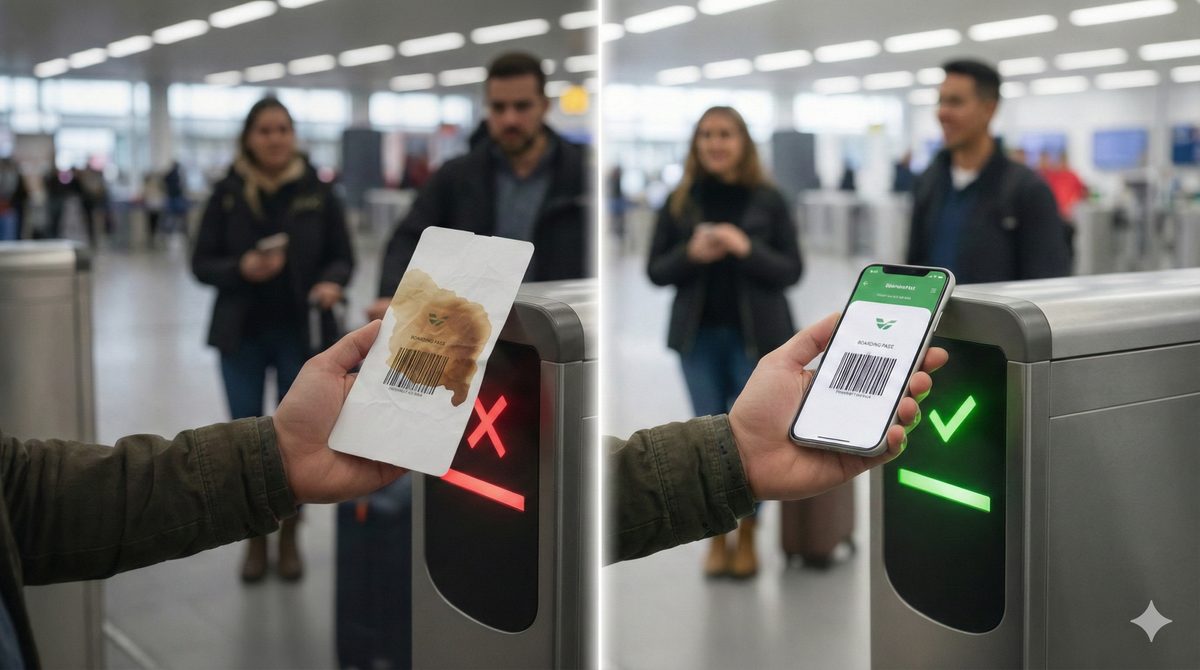

Your airline emailed you a boarding pass. Or a friend sent you "their concert ticket." The attachment ends in
.pkpass. Your phone shrugs. What now?
A .pkpass is Apple's wallet-pass format — a small bundle that holds a digital ticket, boarding pass, gift card, or loyalty card. iPhones open it natively in Apple Wallet with one tap. Android needs a reader app like PassWallet or WalletPasses, or a converter to Google Wallet.
Here is the practical guide: what is actually inside one of these files, how to open it on either platform, whether it is safe, and how to make your own without writing code.
What's Actually Inside a .pkpass File
A .pkpass file is a ZIP bundle. If you rename it .zip and unpack it (don't bother — there is no reason to), you find:
- pass.json — the metadata: title, organization, fields ("Member name," "Expiry"), barcode type and content, colors
- icon, logo, strip, thumbnail images — the visual elements your wallet displays
- manifest.json — a list of every file in the bundle with its hash
- signature — a cryptographic signature that ties the bundle to the issuer
The format dates back to 2012, when Apple shipped Passbook (later renamed Apple Wallet) as part of iOS 6. The spec has barely changed since — a rare thing in tech, and one of the reasons .pkpass files from a decade ago still open today.
How to Open a .pkpass File on iPhone
This is the easy case.
- Tap the
.pkpassattachment in your email or message. - Apple Wallet opens automatically and shows a preview sheet ("Add to Apple Wallet").
- Tap Add in the top right.
The pass appears in your Apple Wallet, ready to use at the gate, scanner, or loyalty checkout. If it has a date or location, your iPhone will surface it on the lock screen at the relevant time and place.
Edge case: sometimes you receive a .pkpasses (plural) file — a bundle containing several passes at once. Apple Wallet handles those too; it shows a multi-add preview.
How to Open a .pkpass File on Android
This is where it gets less elegant. Google Wallet does not natively open arbitrary .pkpass files. Three workarounds:
Option 1 — Install a .pkpass reader
Free apps like PassWallet or WalletPasses open .pkpass files directly. Both are on the Google Play Store. After install, tap the .pkpass attachment and pick the reader as the open-with target. The pass appears in the reader app and stays until expiry.
Option 2 — Look for a "Save to Google Wallet" link
Many issuers send both an Apple Wallet .pkpass and a Google Wallet "Save to Google Wallet" link in the same email. Look for it before falling back to a reader app — it integrates better with your phone's lock screen.
Option 3 — Convert (use with caution)
Some online converters claim to turn .pkpass into Google Wallet passes. Quality varies, and signed boarding passes often refuse to validate at the gate after conversion because the signature is tied to the original issuer. For low-stakes passes (loyalty cards), conversion is fine; for travel, ask the issuer for a Google Wallet version instead.
For a deeper Android-specific walkthrough including Samsung Wallet, see our complete Android Wallet Pass guide.
Are .pkpass Files Safe?
Short answer: generally yes, with some common-sense caveats.
A .pkpass is a data file, not an executable. It cannot run code on your phone. The format is signed by the issuer, so a valid pass is cryptographically tied to its origin. From a "could this infect my phone?" perspective, the answer is no.
But: the email or message that delivers a .pkpass can still be a phishing attempt. The pass itself is harmless, yet a malicious sender might use it as bait to make a fake email look more legitimate ("your boarding pass attached — click here to confirm details" → linking to a phishing site).
Practical rules:
- Open
.pkpassfiles from senders you recognize (your airline, your event vendor). - Check the email address actually matches the issuer's domain — not a lookalike.
- A real
.pkpassfrom a real airline is fine. A.pkpassfrom "your-bank-security@gmail.com" is not. - Even if the pass itself is harmless, never click links in the email you do not recognize.
Converting .pkpass — to PDF, to Google Wallet, to Image
Three common needs:
.pkpass to PDF
Useful when an event organizer demands a "printable PDF of your ticket" but you only have the wallet pass. Two paths:
- Screenshot the open pass on your phone — quickest, loses the live barcode brightness boost (most scanners tolerate this).
- Use a
.pkpassto PDF converter site — uploads your pass, returns a PDF. Faster than screenshotting if you have many passes, but bear in mind: the file leaves your device, so check the converter's privacy policy first.
The screenshot approach is almost always good enough for printing.
.pkpass to Google Wallet
Issuer-dependent. If the original issuer offers a Google Wallet version, use that — it is the cleanest path. If not, third-party converters can sometimes generate a Google Wallet object, but reliability is spotty for signed passes.
.pkpass to Image
Open the pass in Apple Wallet (or your Android reader), screenshot, crop. That is genuinely all that is needed for most use cases.
How to Create Your Own .pkpass File
So far we have covered receiving and opening. The other half is creating one yourself — for your own membership card, event ticket, or loyalty pass.
The hard way: Apple's official path requires an Apple Developer account, a signing certificate (P12 file), and code that builds a pass.json, fetches images, generates a manifest, signs it, and packages a ZIP. Workable for a developer, overkill for almost anyone else.
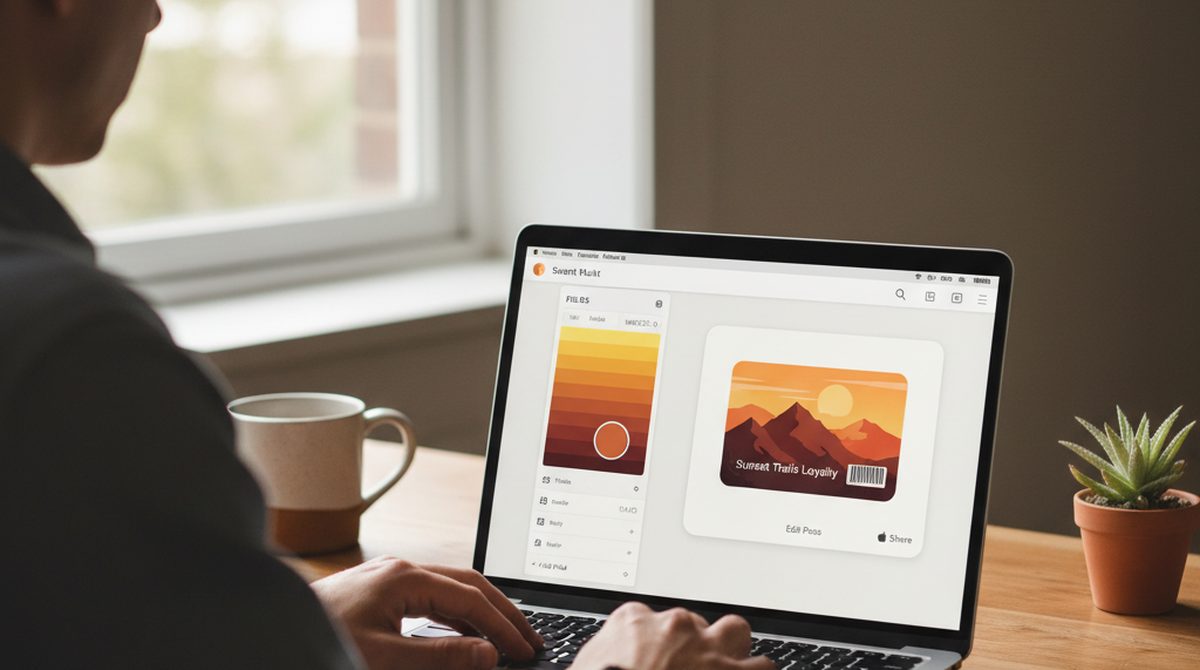
The easy way: browser-based creators like OtterWallet handle the whole signing-and-packaging pipeline for you. You upload a barcode or QR (or paste the text it should encode), pick colors and field labels, and download a ready-to-use .pkpass file. Pricing as of April 2026: €0.99 (~$1.05) for a single pass, €1.99 for a 10-pack — no account, no code.
For a comparison of all major wallet creators, see our Wallet Creator guide.
Make your first .pkpass — open OtterWallet →
FAQ
How do I open a .pkpass file?
On iPhone: tap the file, Apple Wallet opens it. On Android: install a reader app (PassWallet or WalletPasses) or look for a "Save to Google Wallet" alternative from the issuer.
Are .pkpass files safe?
Yes — they are data files, not executables. The risk is the sender, not the format. Open passes from known issuers; treat unexpected .pkpass attachments with the same skepticism as any other unexpected attachment.
How do I convert .pkpass to PDF?
The simplest way is to open the pass on your phone and screenshot it. For multiple passes at once, online .pkpass-to-PDF converters work but require uploading your pass to a third party.
What apps do I need for .pkpass?
iPhone: Apple Wallet is built in. Android: install PassWallet or WalletPasses from the Play Store (both free).
What's the difference between .pkpass and Google Wallet?
.pkpass is Apple's pass file format (a ZIP bundle). Google Wallet uses a JWT-based pass object — different format, different delivery mechanism. Some issuers offer both; some only one. Converters exist but are unreliable for signed passes.
Can I edit a .pkpass after I receive it?
No. The signature would no longer match. If you need different content, ask the issuer for a re-issue or generate a fresh pass yourself with a wallet creator.
Quick Recap
- A
.pkpassis an Apple Wallet pass file — boarding pass, ticket, loyalty card. - iPhone opens it natively. Android needs PassWallet or WalletPasses.
- Generally safe — the risk is the sender, not the format.
- To convert to PDF, screenshotting works for almost any use case.
- To create your own, browser tools like OtterWallet skip the Apple Developer hoops.
That's the full picture. Your wallet, your pass — without the mystery.